
Software Symbiose ist avency
In den vergangenen viereinhalb Jahren sind die avency GmbH und die Software Symbiose GmbH als Schwesterunternehmen zusammengewachsen und haben erfolgreich Projekte für Sie und mit Ihnen realisiert. Als Unternehmen, die sich durch exzellenten Kundenservice und innovative Lösungen auszeichnen, teilen wir dieselben Werte.
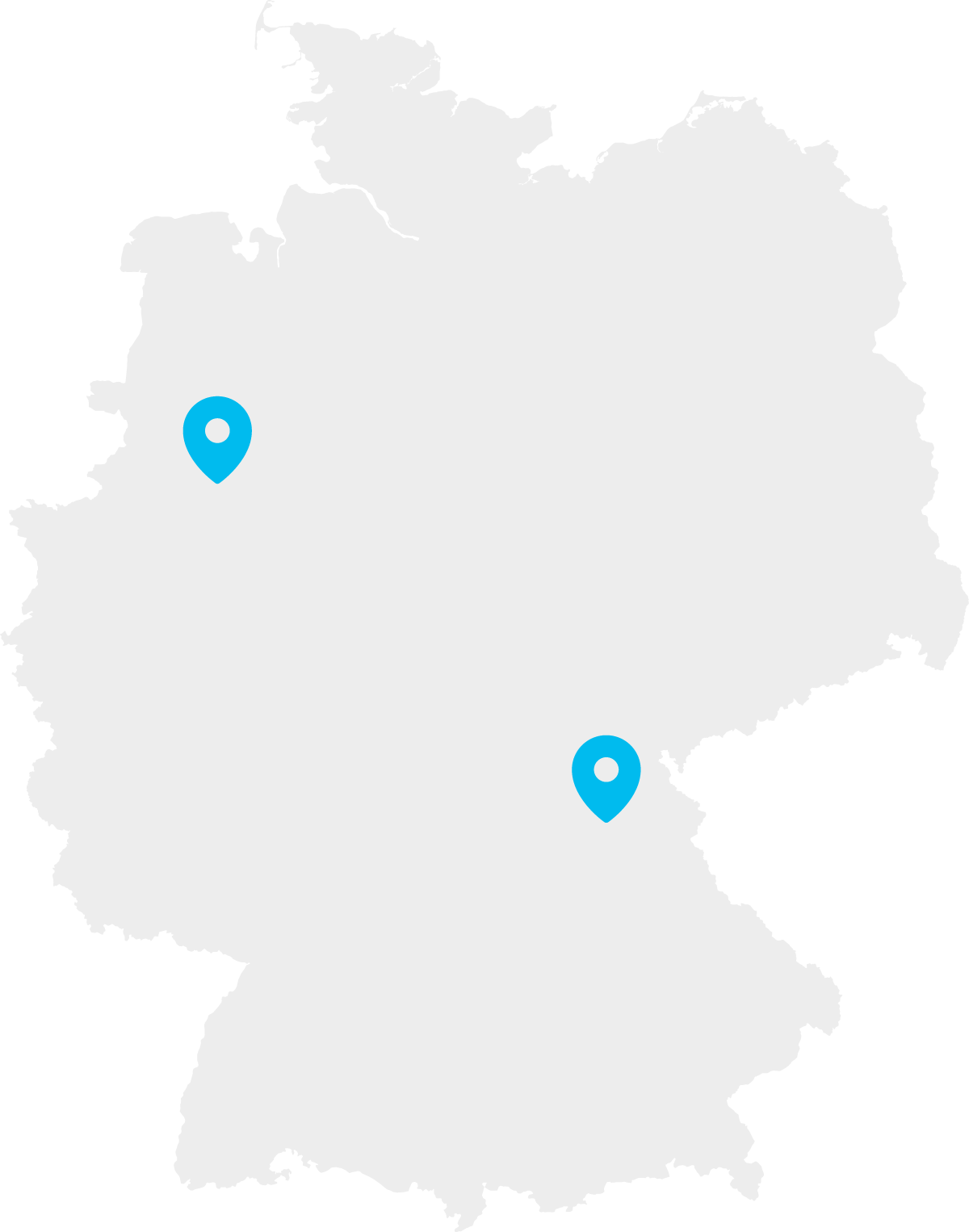
Nun sind wir den nächsten logischen Schritt gegangen und haben unsere beiden Gesellschaften im August dieses Jahres unter dem gemeinsamen Namen avency fusioniert. Mit über 30 Mitarbeiterinnen und Mitarbeitern an zwei Standorten sind wir ein noch leistungsfähigerer und innovativerer Partner in Ihrer Nähe.
Für Sie bleibt alles wie gewohnt. Alle Verträge, die zum Zeitpunkt der Fusion mit einer unserer beiden Gesellschaften bestehen, werden im Rahmen der Gesamtrechtsnachfolge auf die avency GmbH übertragen. Sie behalten ihre Gültigkeit und werden selbstverständlich von uns erfüllt. In der Projektbearbeitung ändert sich für Sie nichts, Ihre vertrauten Ansprechpartner bleiben in ihrer gewohnten Funktion für Sie da.

Ihr Ansprechpartner
Bitte beachten Sie beim zukünftigen Schriftverkehr unsere avency Anschriften:
Hauptniederlassung Ostbevern
(Rechnungswesen, Geschäftsführung):
avency GmbH
Haupstraße 108
48346 Ostbevern
Zweigniederlassung Bayreuth
(Vertrieb):
avency GmbH
Richard-Wagner-Str. 54
95444 Bayreuth
avency GmbH
Richard-Wagner-Str. 54
95444 Bayreuth
Telefon +49 (0)921 150 11-0
Telefax +49 (0)921 150 11-29
ABG
Impressum
Datenschutz